Run The First Sync
Before Running
Confirm:
- Purview connection is healthy.
- Databricks connection is healthy.
- Target Purview collection is selected.
- Initial Databricks catalog/schema scope is limited.
First Sync Steps
- Open Lineage Advisor.
- Go to the Lineage Advisor connector setup.
- Select the configured Purview account and collection.
- Select the initial Databricks catalog/schema scope.
- Run Validate.
- Run Sync.
- Review the sync summary.
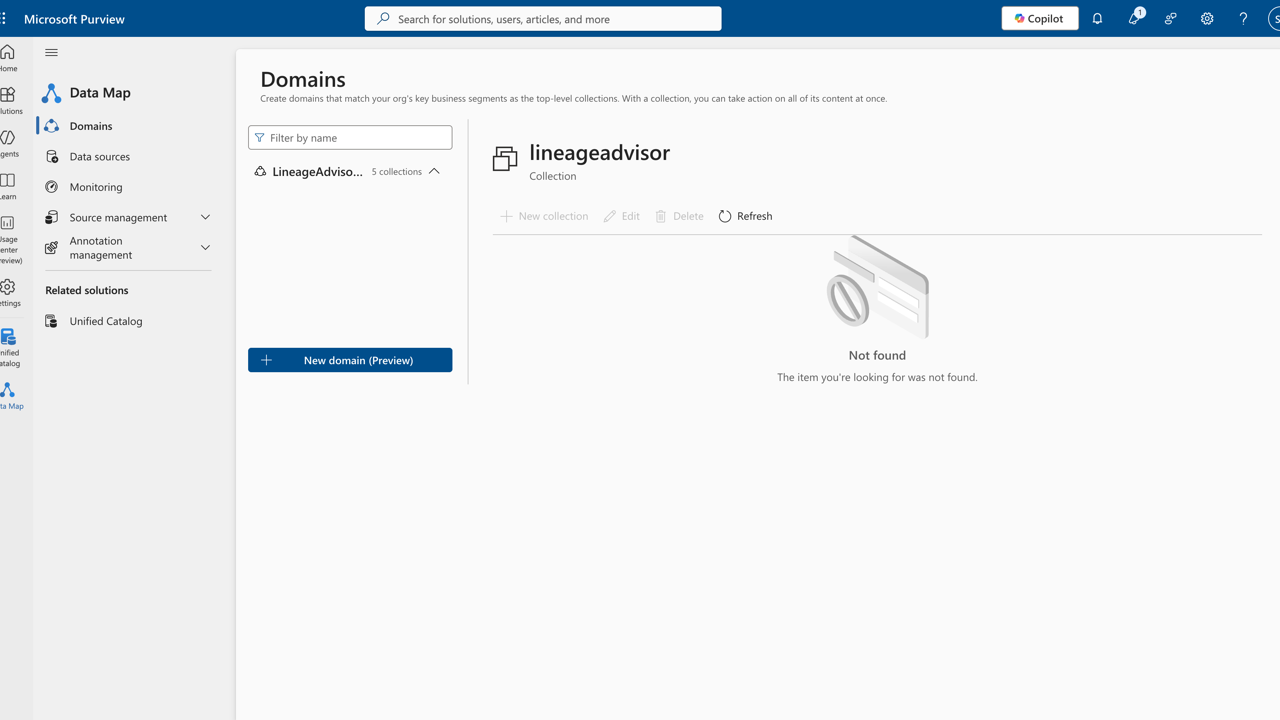
- Open the generated collection or asset in Microsoft Purview.
Validate In Purview
Check:
- Asset names are readable and mapped to the expected collection.
- Databricks tables and views appear in the expected hierarchy.
- Relationships are present where source APIs provide lineage.
- Sync status and timestamps match the latest run.
If The Sync Fails
Use troubleshooting to check endpoint connectivity, permissions, token consent, collection scoping, and API limits.